Scalable Vector Icons for Modern Interfaces
Over 14,000 hand-crafted SVG icons across 48 curated collections. Drop into Figma, Sketch, or your codebase in one click — no raster, no bloat, just pixel-perfect vectors.
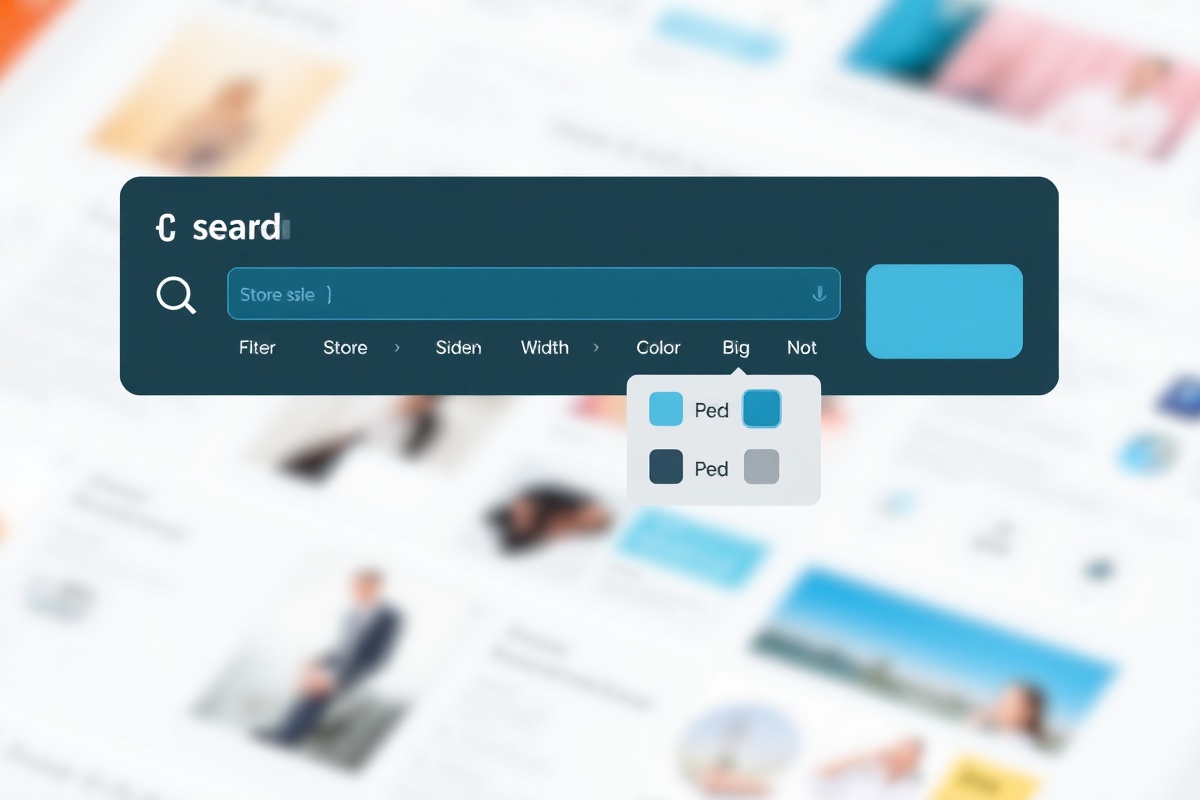
Find the Exact Icon in Two Seconds
Our search engine indexes every stroke, tag, and style attribute across the entire library. Type a keyword, filter by line weight or fill style, and get results that match your design system — not just the name.
Supports synonym matching (e.g., "gear" returns "settings"), style-aware ranking, and collections filtering. Integrated with Figma's native search so you never leave your canvas.
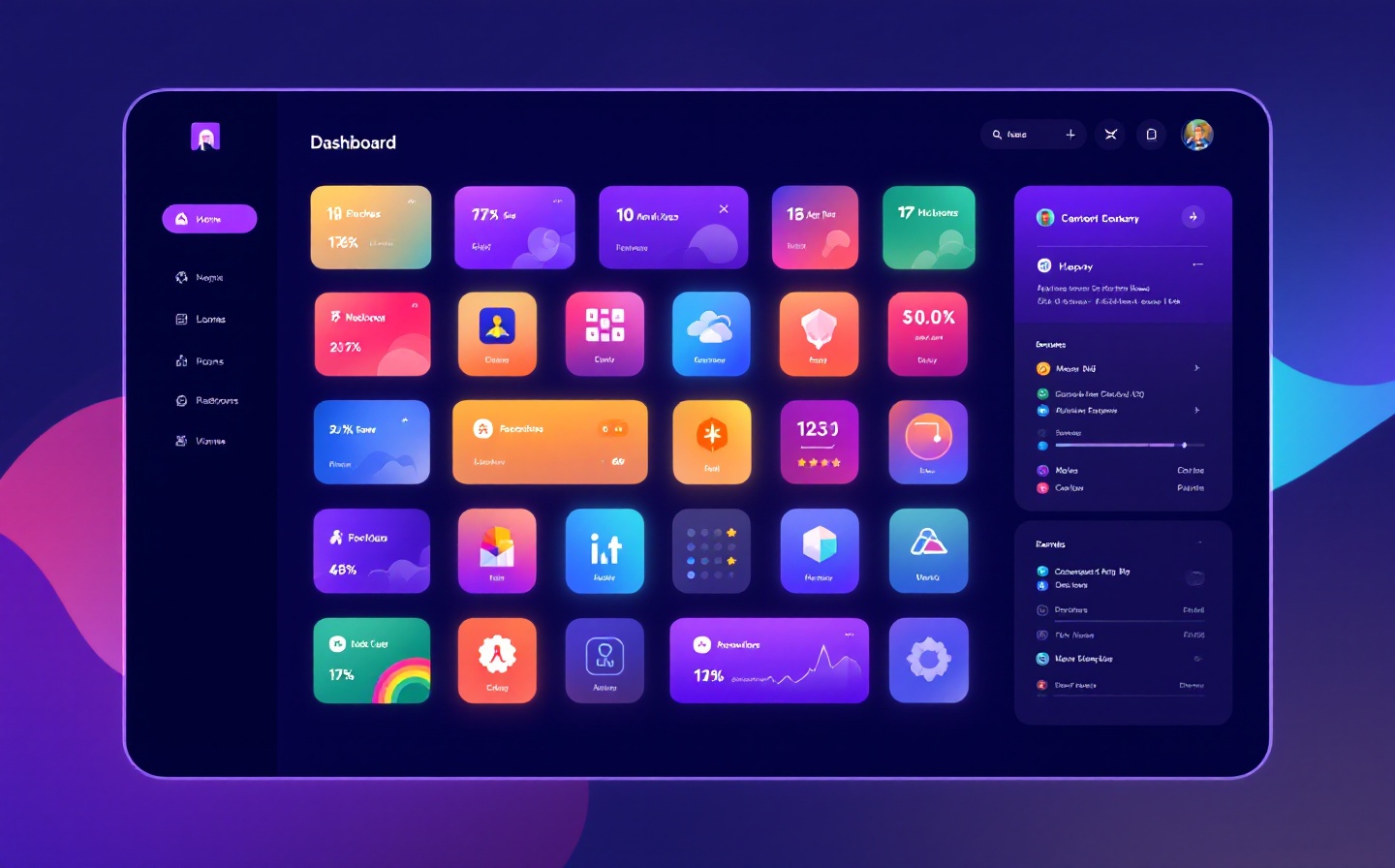
Featured Collections
Each pack is designed by a dedicated illustrator, internally QA'd for consistency, and published in SVG + PNG + Icon Font formats.
Layered UI Kit
A multi-layer set for dashboard interfaces — charts, data tables, modals, and navigation states. Designed by Mira Johansson at Stockholm Design Lab. Includes 4 line weights (1px–2.5px) and dark/light variants.
Status & Feedback
Success, warning, error, and info states for toast notifications, form validation, and empty states. Created by Ravi Kapoor for enterprise SaaS products. Every icon ships with an accessible ARIA label.
Navigation Essentials
Arrows, chevrons, breadcrumbs, hamburger menus, and pagination controls. All icons are bidirectional (RTL-ready) and tested at 16px, 20px, and 24px sizes. By Chloe Dubois, Paris.
Data Visualization
Bar charts, pie charts, sparklines, trend indicators, and metric cards. Optimized for analytics dashboards and financial apps. Designed by Tomás Herrera in Buenos Aires.
Time & Scheduling
Calendars, clocks, reminders, recurring patterns, and availability indicators. Perfect for booking platforms and project management tools. By Aisha Ndiaye, Dakar.
E-Commerce & Payments
Carts, wallets, credit cards, QR codes, gift cards, and shipping icons. Includes 3D-style variants for promotional banners. Fresh release from Kenji Tanaka, Tokyo. Ships with Figma variables for theming.
Every Icon is Production-Ready
No loose anchor points, no stray paths, no inconsistent corner radii. Our design system enforces a 24×24 grid with an 11px optical center so every icon feels balanced next to text.
Trusted by Teams Shipping at Scale
How It Works
From discovery to deployment in three steps — no command-line tools, no manual exports.
Search & Filter
Use the web dashboard or the Figma plugin to search across all 48 collections. Filter by style (outline, fill, duotone), line weight (1px, 1.5px, 2px), and collection. Preview icons at any size before adding them to your library.
Sync to Figma or Sketch
Install the IconFlow plugin (12,400+ installs) and click "Sync Collection." Icons appear as auto-layout components with variants for size and color. Updates push automatically — your library stays current without manual re-imports.
Export & Deploy
Generate a custom icon font, download a sprite sheet, or pull individual SVGs. Our npm package (@iconflow/icons) supports tree-shaking so you only ship what you use. Integrates with React, Vue, and Svelte out of the box.
Built for People Who Ship
Frequently Asked Questions
Can I use IconFlow icons in client projects?
Yes. Every subscription includes a commercial license covering unlimited client projects, web apps, mobile apps, and marketing materials. You are not allowed to resell the icons as a standalone icon library or redistribute them as your own.
How often are collections updated?
We release new icons every Tuesday. Major collection updates (new line weights, dark variants, RTL support) ship on the first Monday of each month. Subscribers get 48-hour early access before public release.
Do you support Sketch and Adobe XD?
Figma is our primary integration with full component variants and auto-sync. Sketch support is available via manual library export (.sketch files). Adobe XD is not currently supported — we're evaluating it for Q3 2025 based on demand.
What's included in the Pro subscription?
Pro ($29/month) unlocks all 48 collections, Figma plugin sync, npm package access, custom icon requests (up to 5/month), and priority support via Slack. Teams plans start at $79/month for up to 10 seats with shared libraries and audit logs.